Bob Lin Photography services
Real Estate Photography services




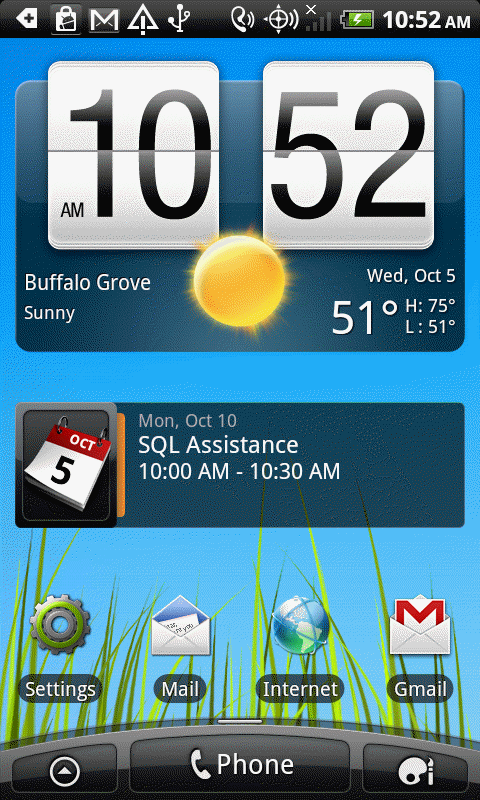
1. Open Settings.
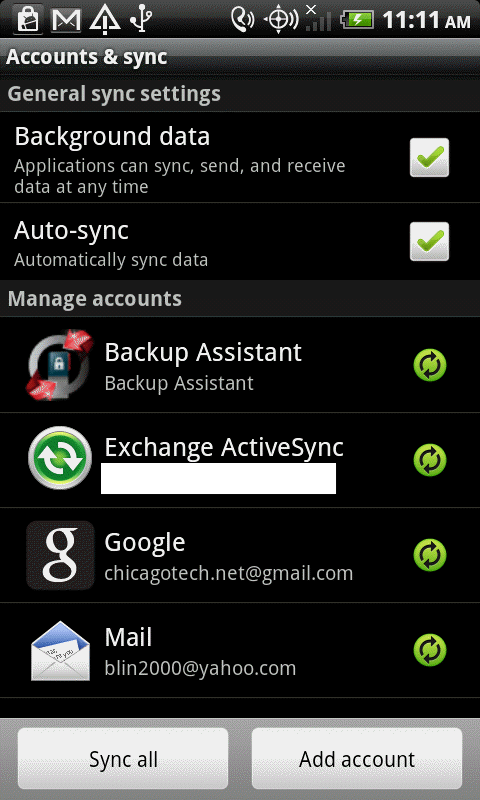
2. In the Settings, tap Accounts & sync.

3. Tap Exchange ActiveSync.
4. In the Exchange settings, tap Account settings.
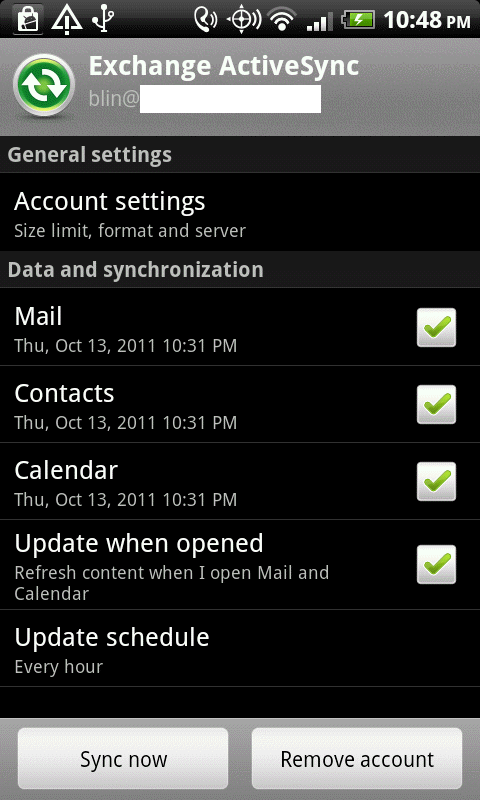
5. Tap Account settings.
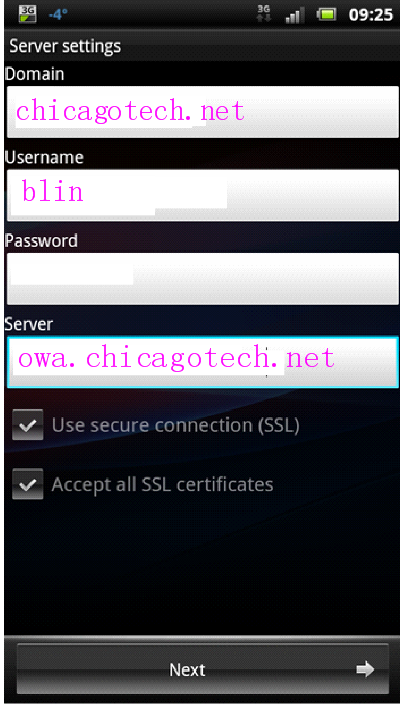
6. In the account settings, enter the new password and then Next to save the change.