
Bob Lin Photography services
Real Estate Photography services




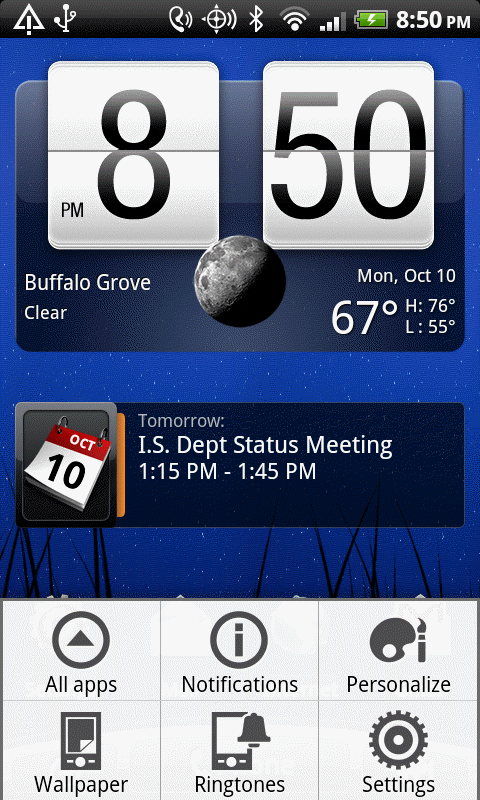
1. Tap Menu and then Settings.
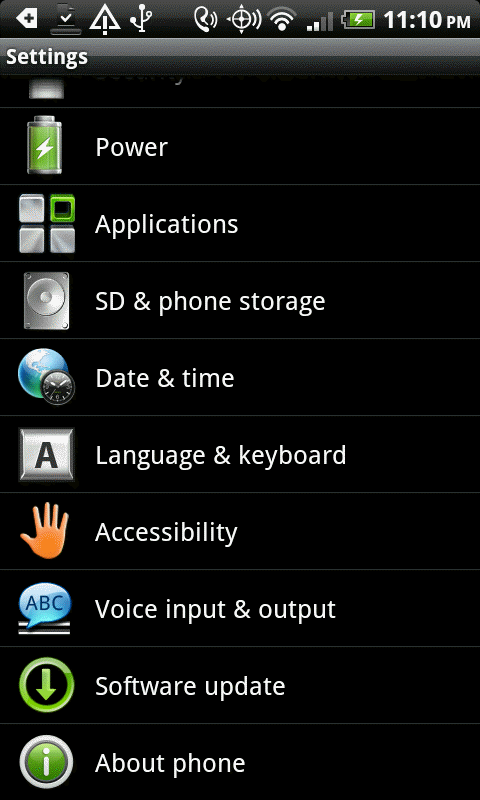
3. In the Settings, tap About Battery. .
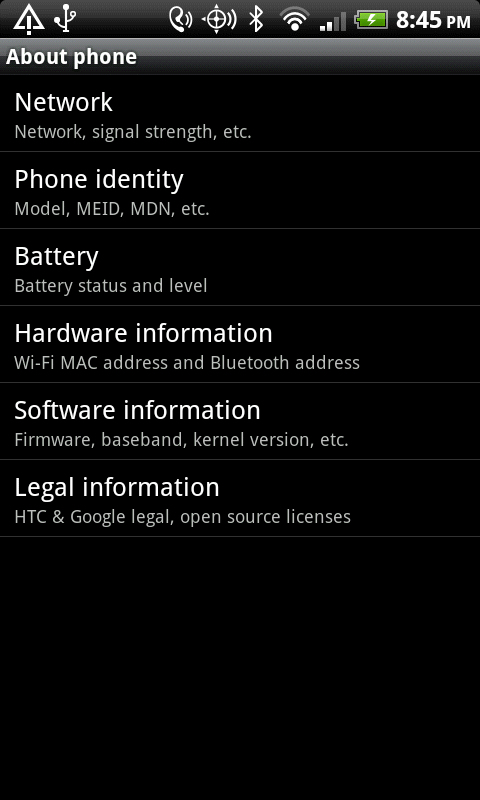
4. Tap Battery.
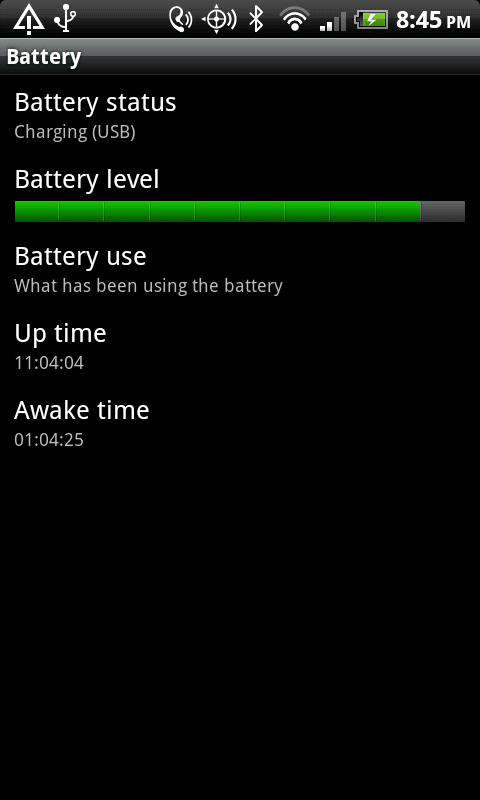
5. Tap Battery use.
6. It will display all apps are using power.
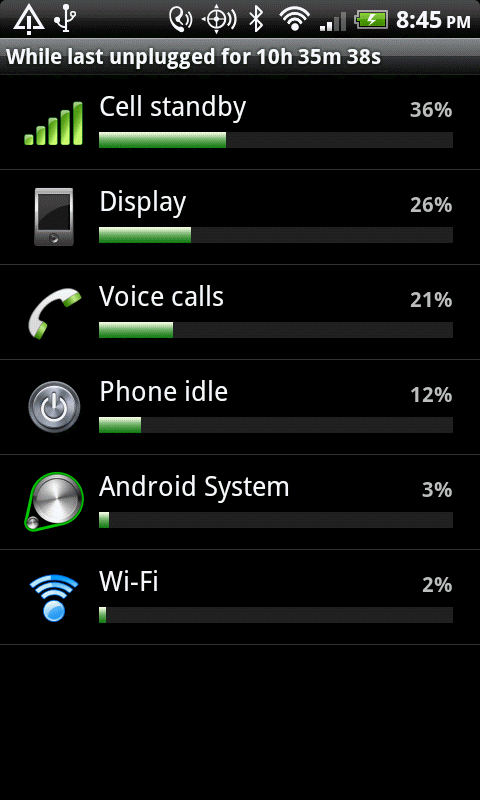
7. To close a apps, tap on it and force it to close.
