
Bob Lin Photography services
Real Estate Photography services




1. Create an account in Google+.
2. In your Android phone, tap All apps key.
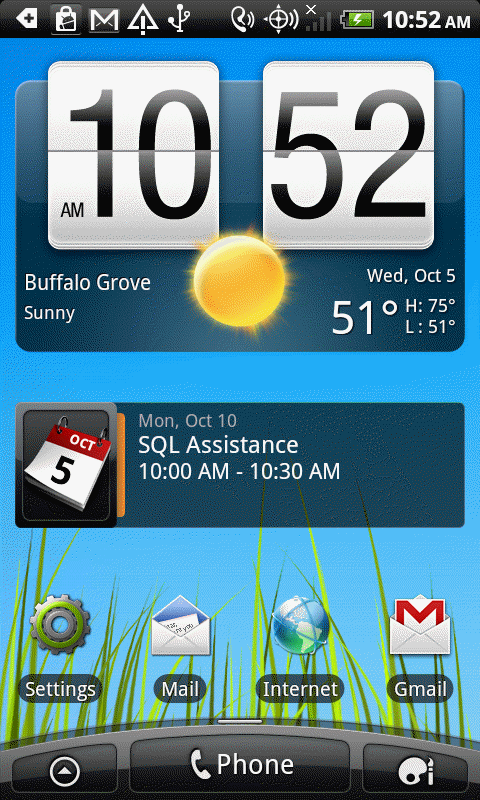
3. Tap Settings.
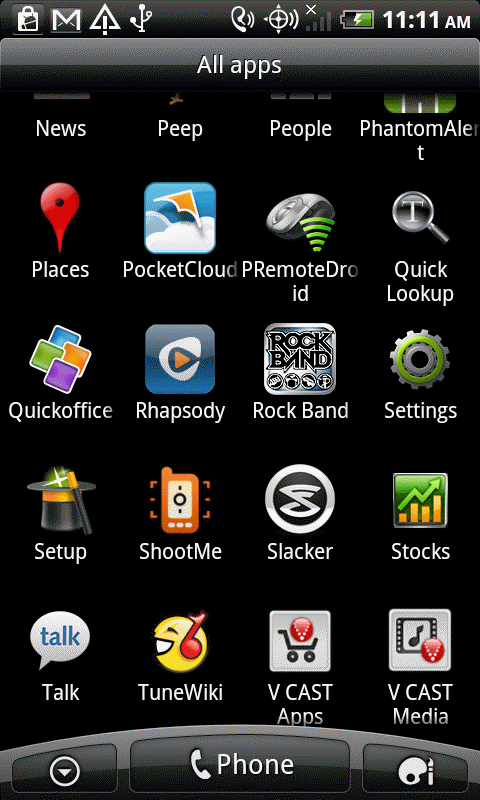
4. Tap Applications.
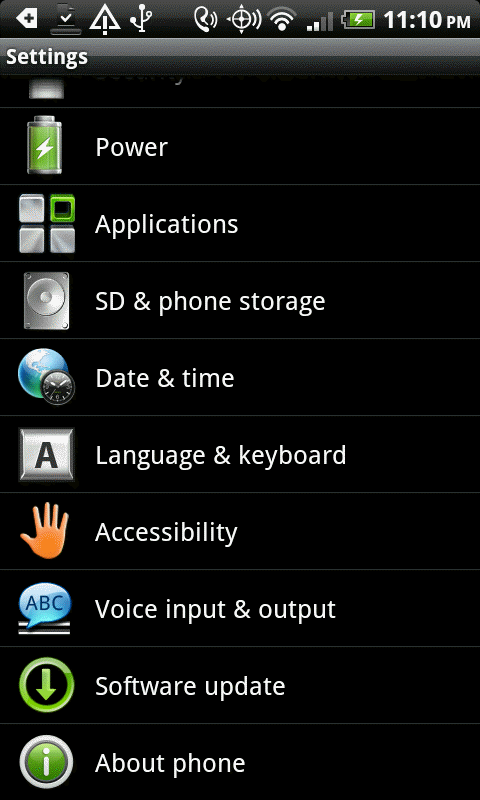
5. Tap Google+ icon.
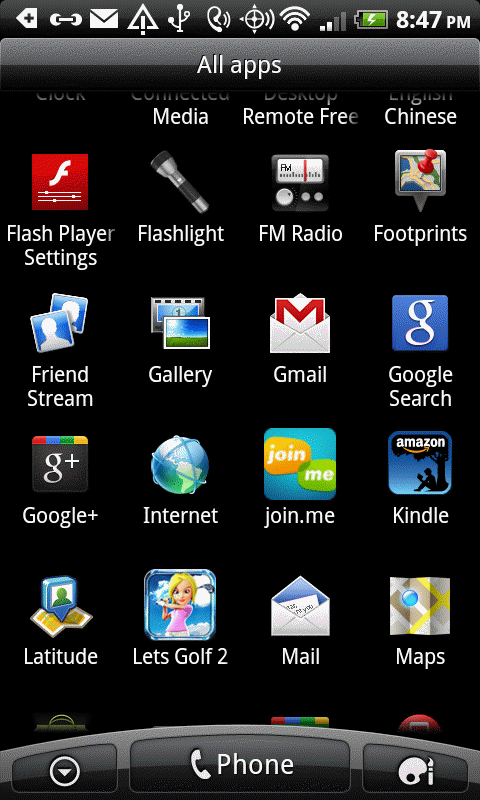
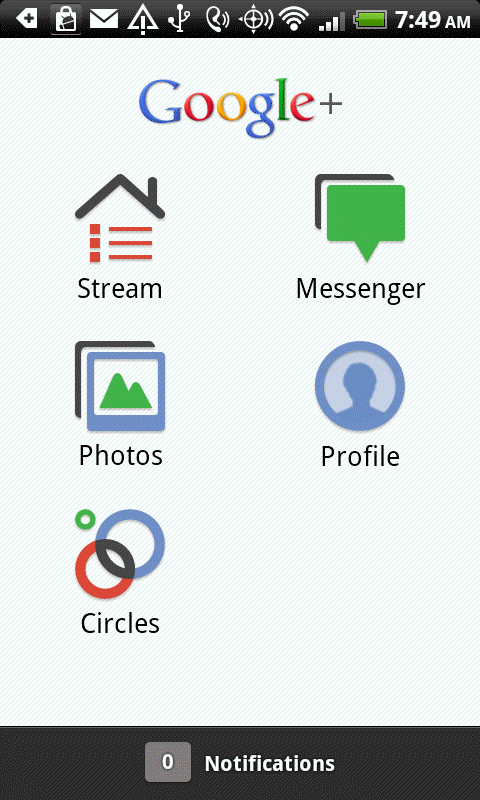
6. In the Google+ screen, tap Photos.
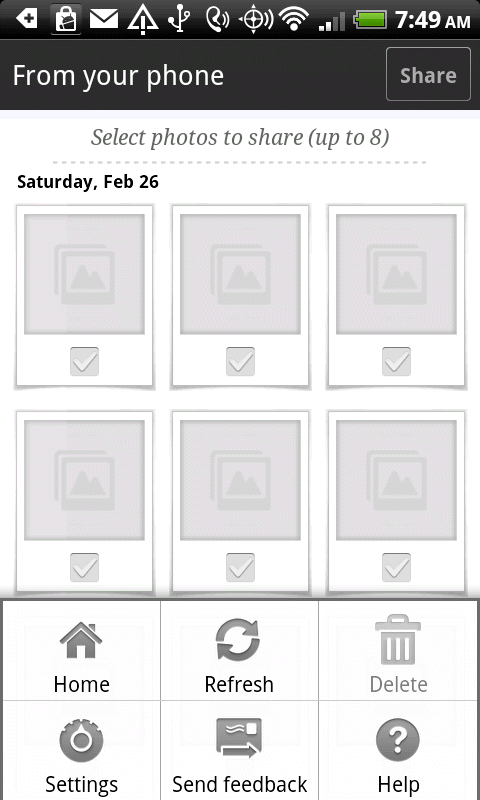
7. Tap Menu and then Settings.
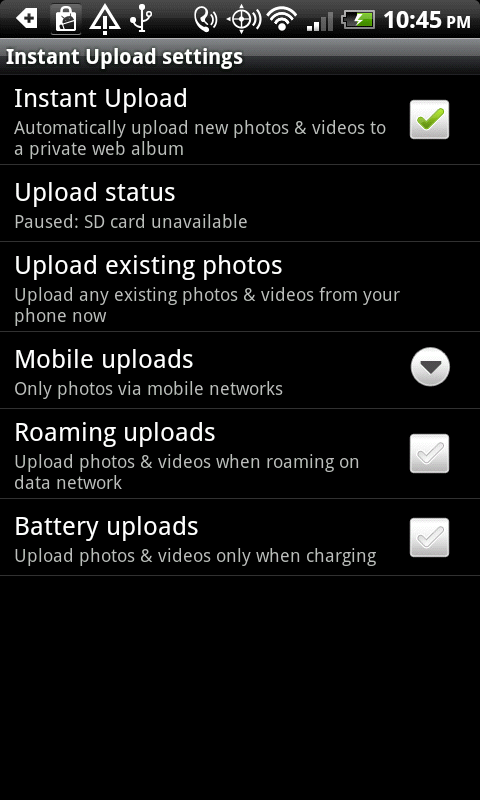
8. In the Instant Upload settings, configure the settings.
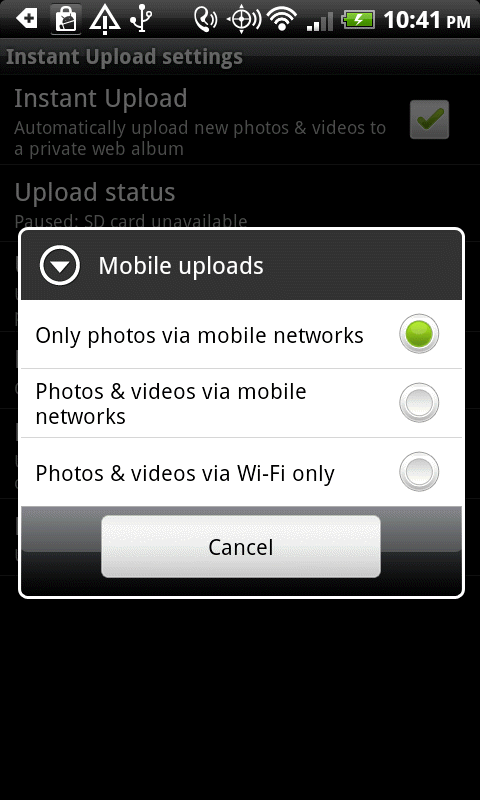
9. In the Mobile uploads, you have 3 options: Only photos via mobile networks, Photos & videos via mobile networks, Photos videos via Wi-Fi only.
10. Test it and check the photos uploaded successfully.
