Bob Lin Photography services
Real Estate Photography services




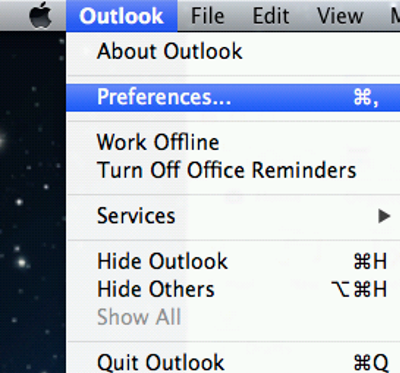
1. Click Outlook on the top, and then select Preferences.
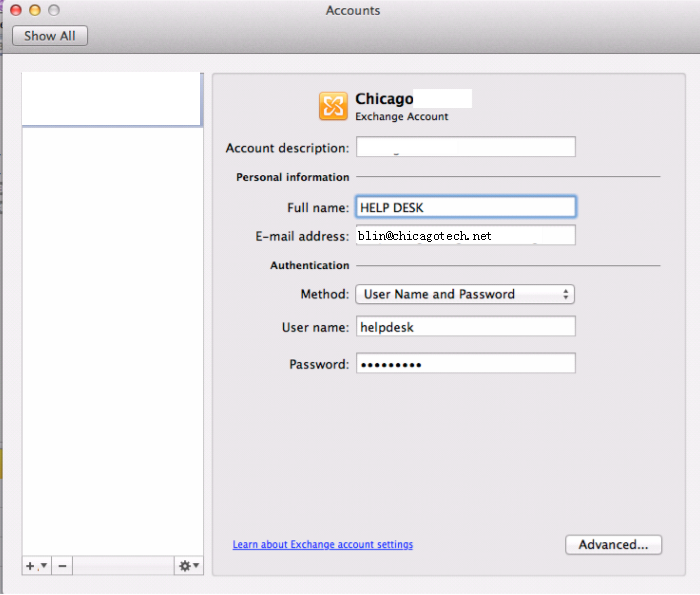
2. Enter the account description, full name, email address, user name and password.
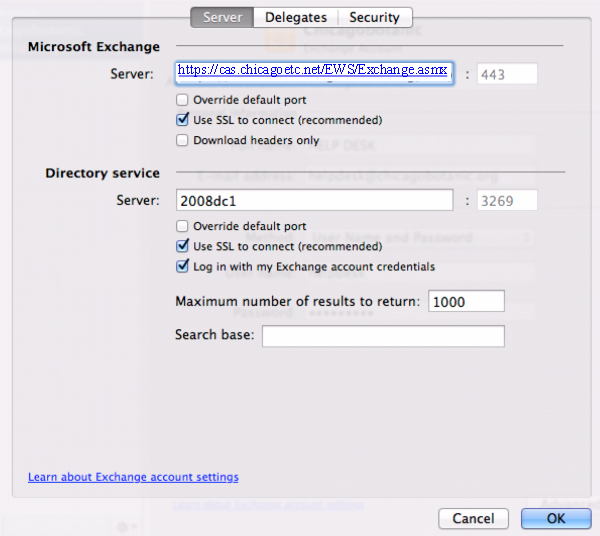
3. Enter the Exchange server information: for example https://cas.chicagotech.net/EWS/Exchange.asmx, check Use SSL. directory service server name.
4. Click OK to save the settigns.