
Bob Lin Photography services
Real Estate Photography services




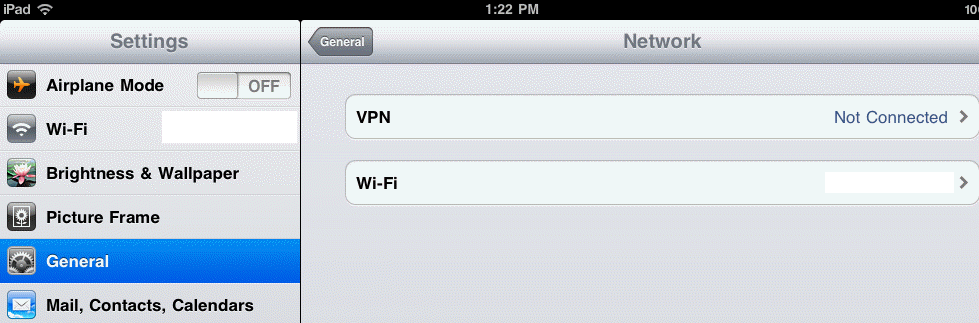
1. In the Home, touch Settings.
2. In Settings, touch Wi-Fi.
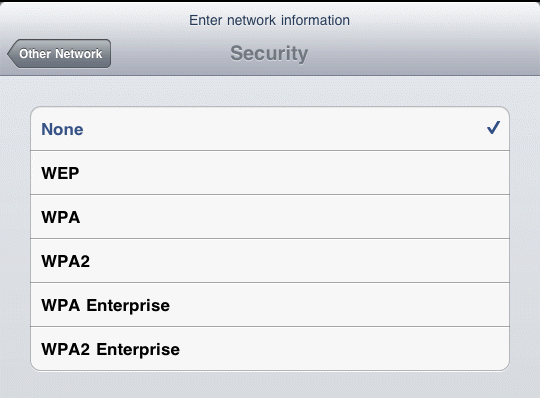
3. In the Security, select WPA Enterprise or WPA2 Enterprise depends on your wireless settigns.
4. In the next page, enter enterprise wireless information.
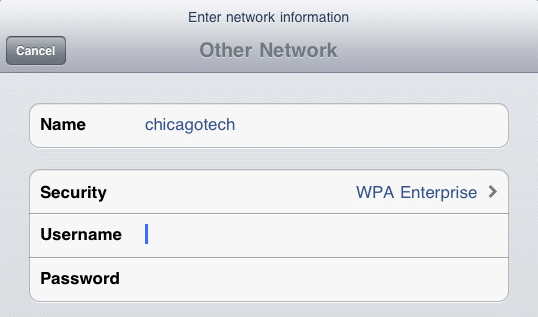
5. Press Home to save teh settings.
