
Bob Lin Photography services
Real Estate Photography services




In a case you need to reset your phone, this is how to.
1. Tap Settings.
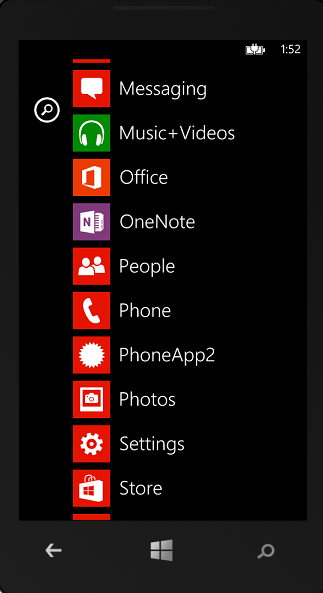
2. Tap About

3. Tap Reset your phone.
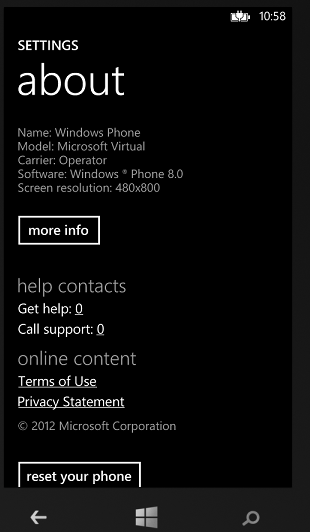
You'll receive two warnings. If you're absolutely sure you want to restore your phone to its factory settings, tap Yes, and then tap Yes again. It might take a little while for the process to complete.
