Bob Lin Photography services
Real Estate Photography services




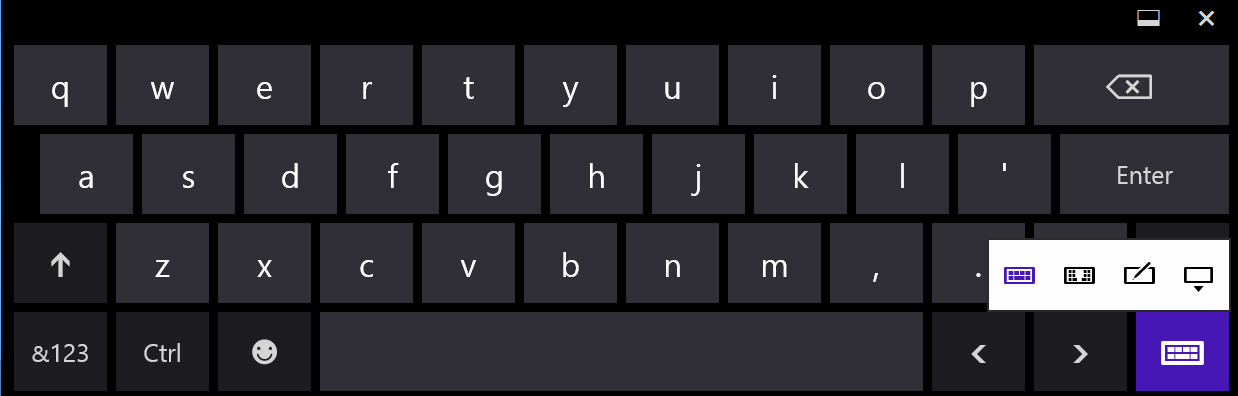
1. On the right bottom, tap the keyboard icon.

2. Tap keyboard key, it will display 4 options.
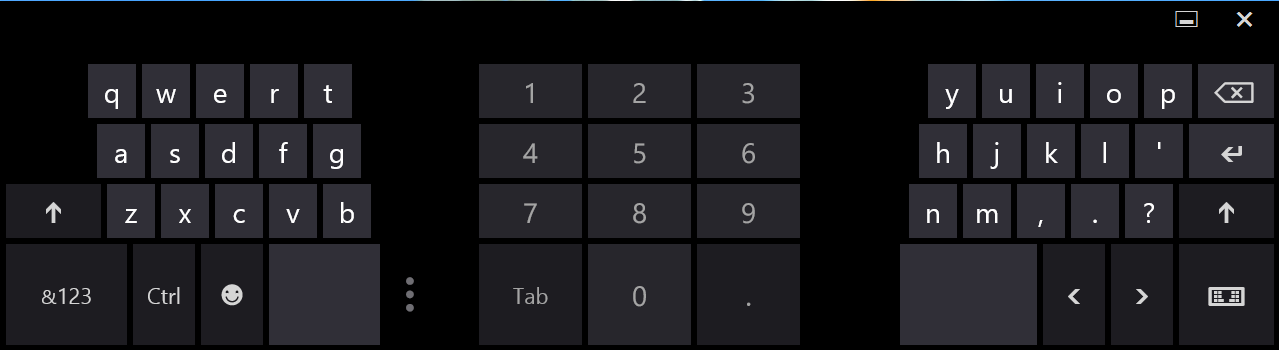
3. If you tap spilt keyboard, you will have this screen.
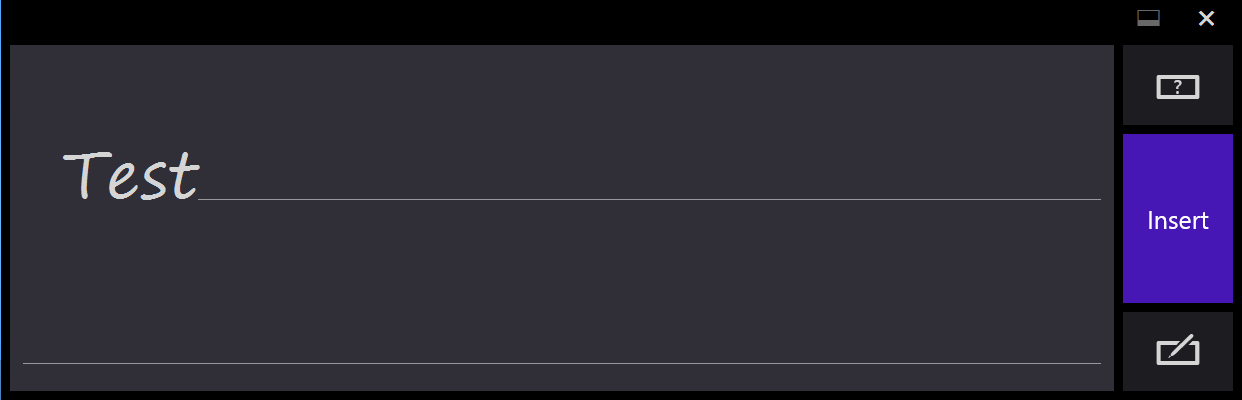
4. This Handwriting Panel.
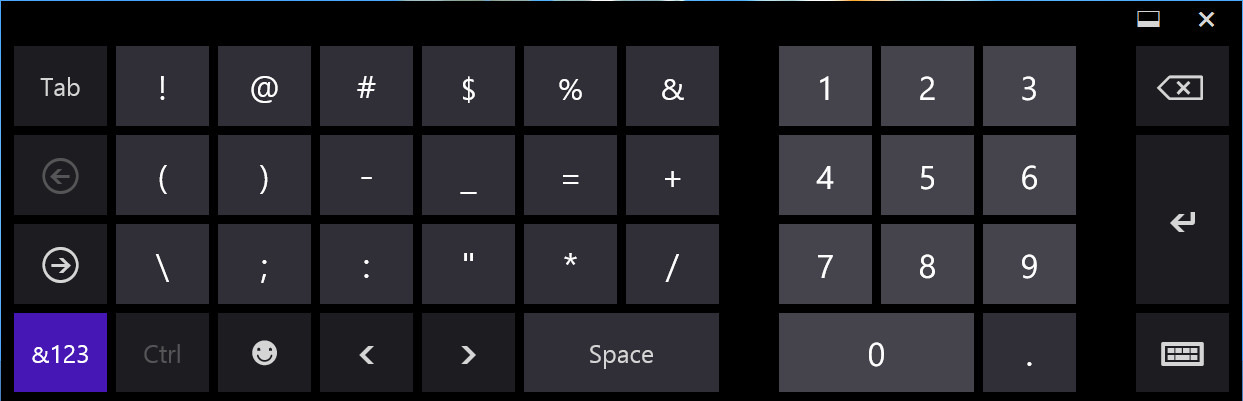
5. Number keys.
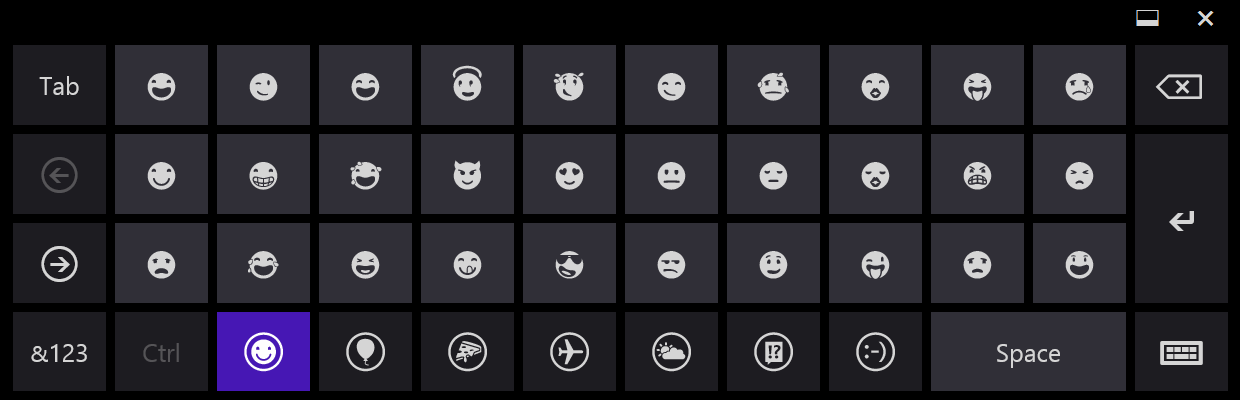
6. Face keys.
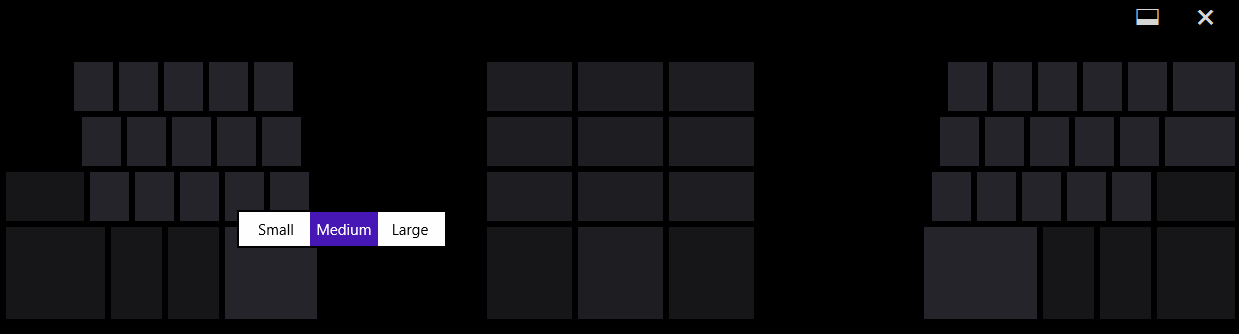
7. Change the size.