Bob Lin Photography services
Real Estate Photography services




1. Tap the Settings.
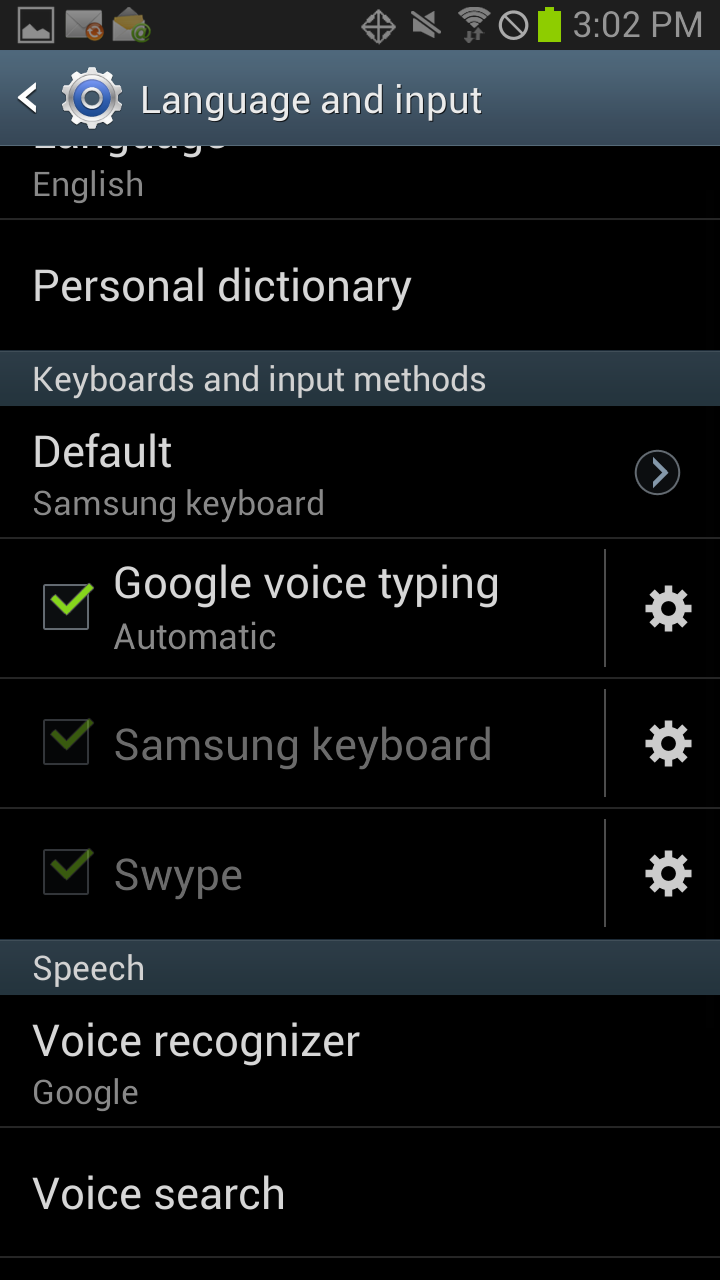
2. Tap Language and Input.
3. Tap Samsung keyboard settings icon.
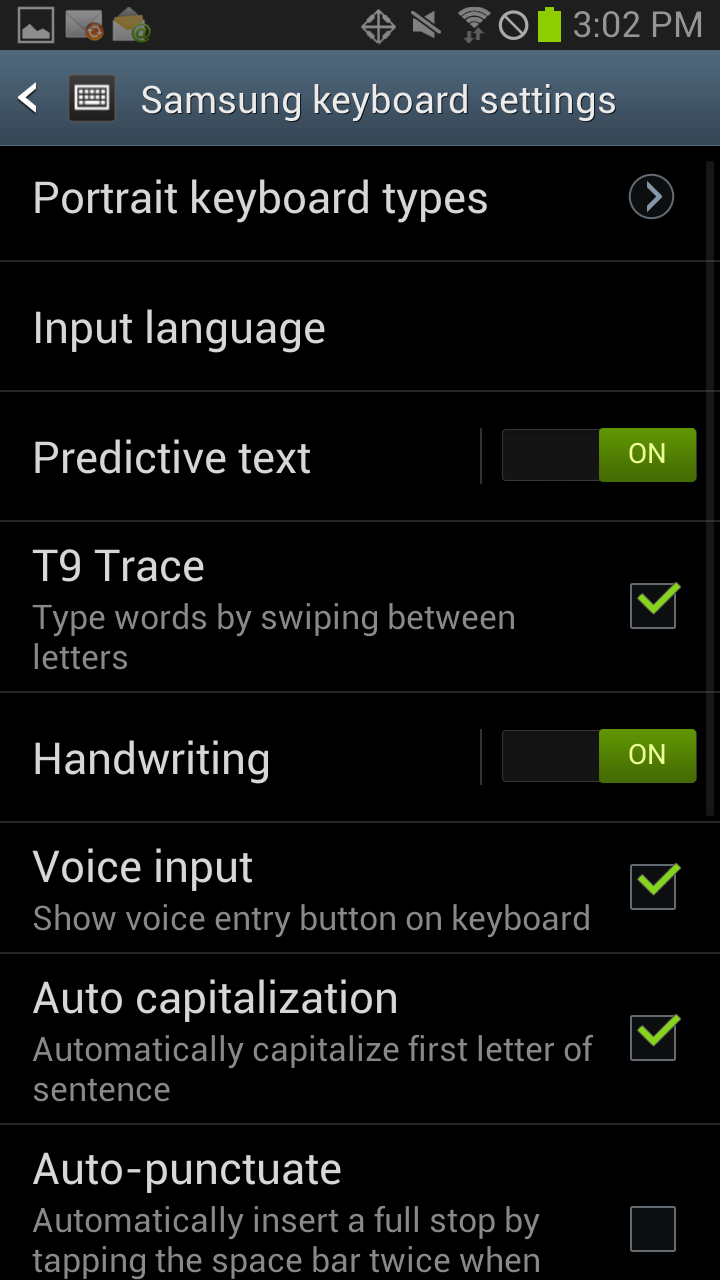
4. Tap Input laguage.
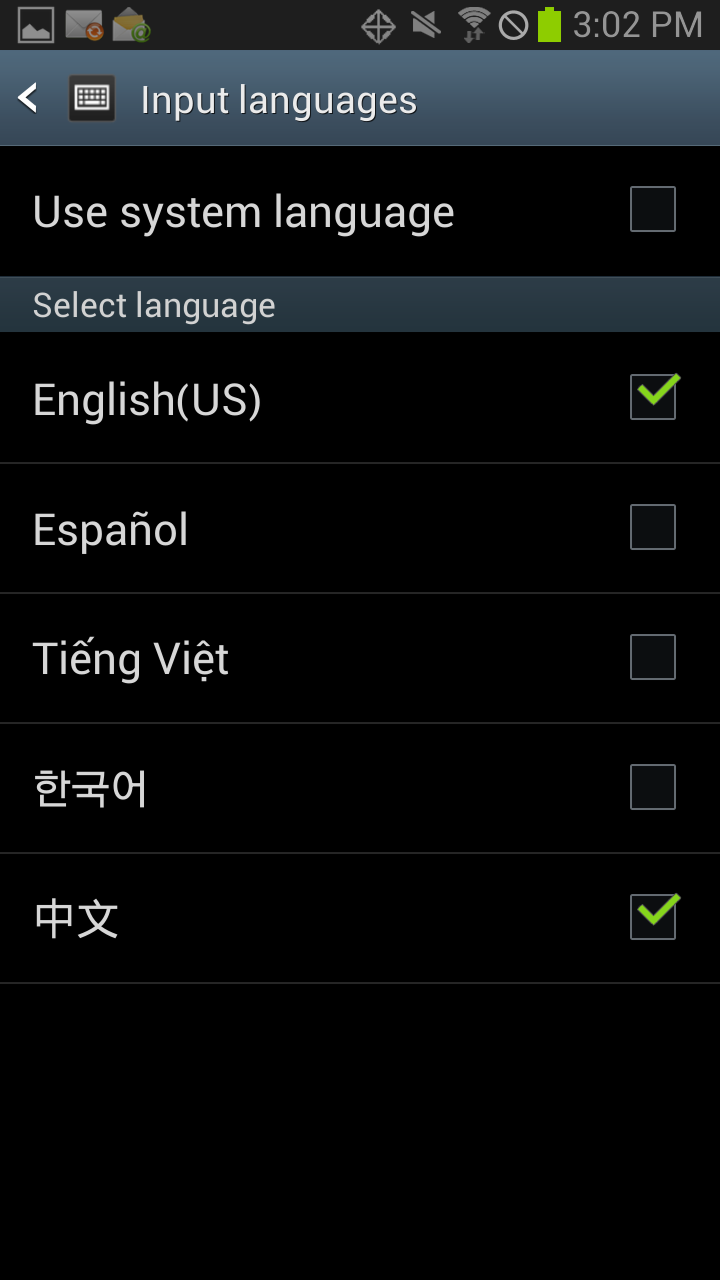
5. In the Input language, check all languages you want to use.
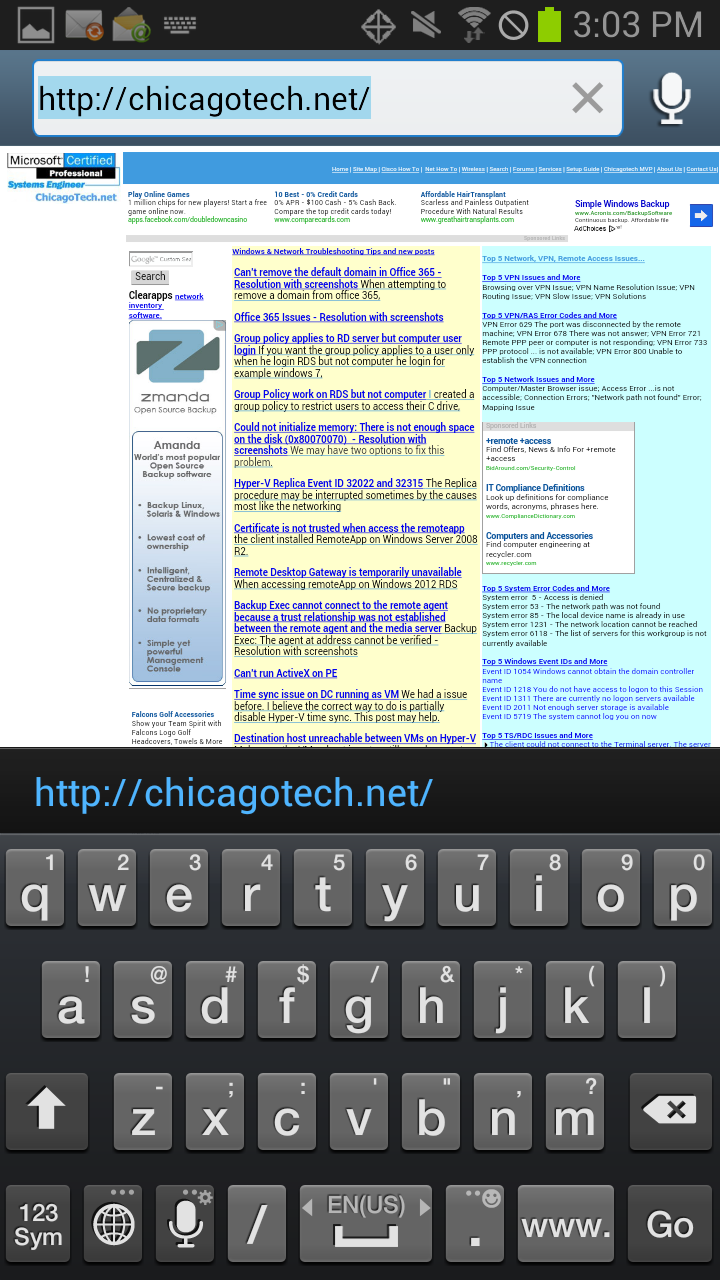
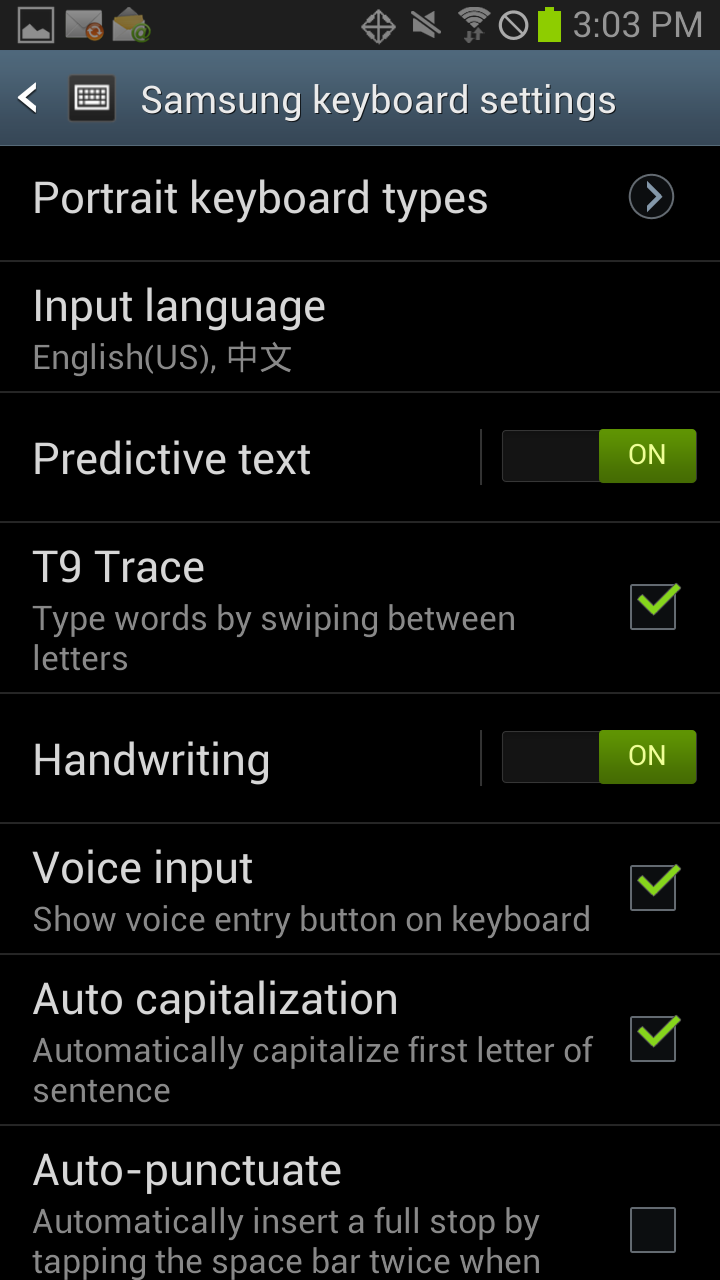
6. After that, you can see the input languages in Samsung keyboard settings.
7. To switch the language input, tap the global icon.