Bob Lin Photography services
Real Estate Photography services




1. In the Home page, tap
 - Apps
2. In the Apps page, tap Settings.
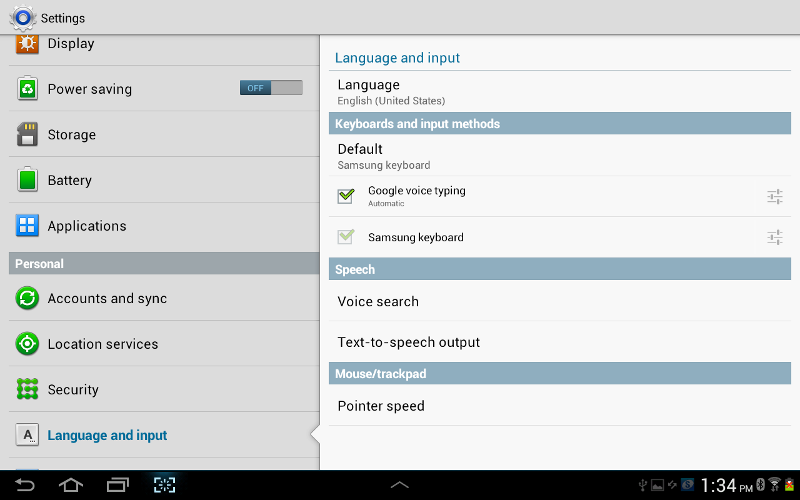
3.Tap Language and input under Personal.
4. Here, you can setup Language, Keyboards and input methods, Speech, Mouse/trackpad.
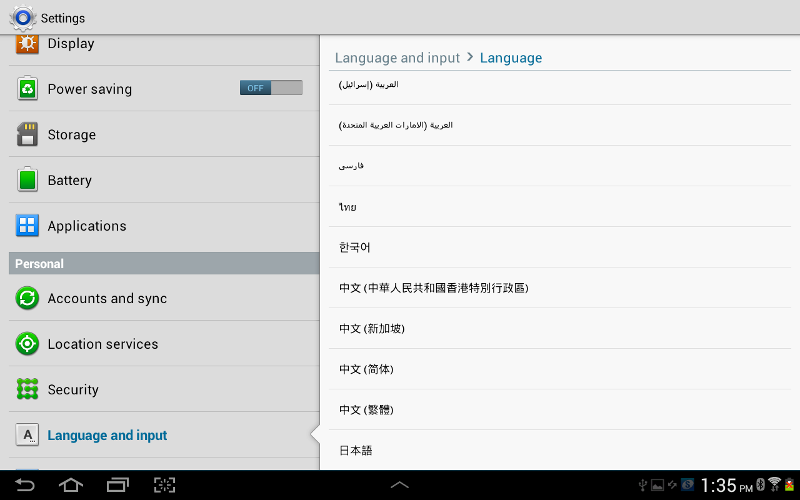
5. To switch the language input, tap on Language input, you can select the language here.