Bob Lin Photography services
Real Estate Photography services




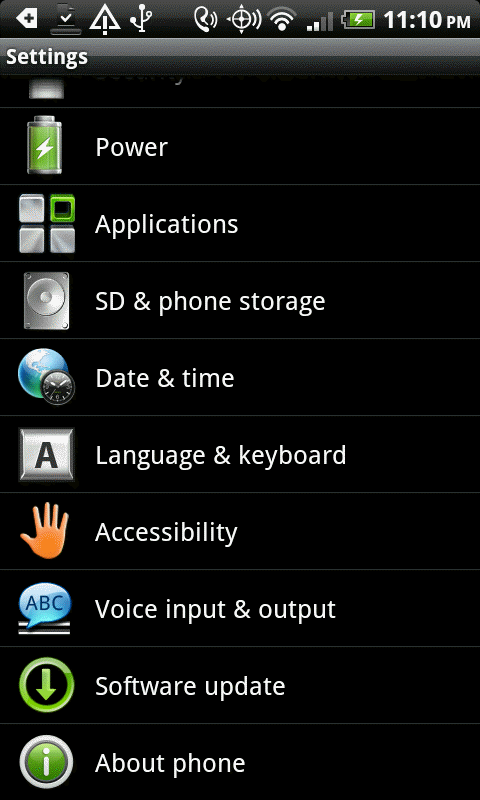
1. In Android settings, tap Language & keyboard.
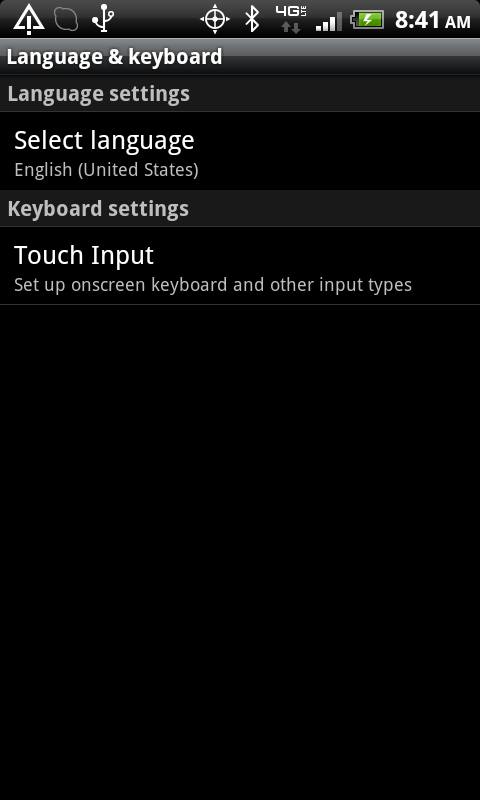
2. Tap the Language & Keyboard.
3. In the Language & Keyboard, select Touch Input.
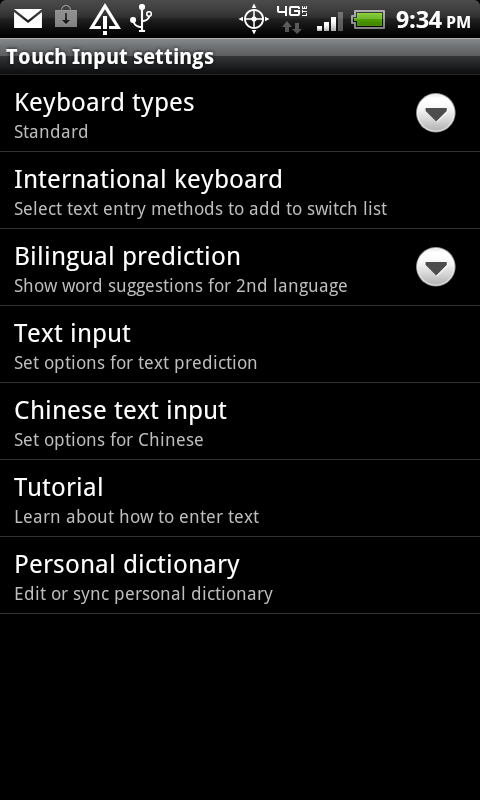
4. In the Touch Input settings, tap International keyboard.
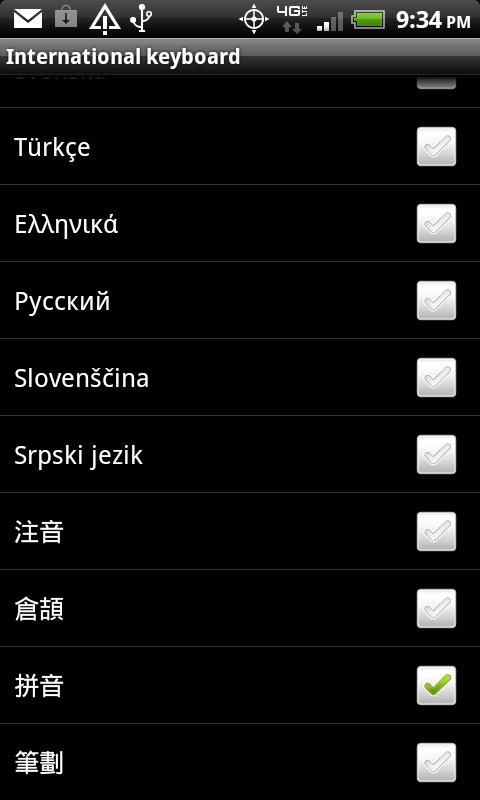
5. In the International keyboard, select the language keyboard you want to add.