Bob Lin Photography services
Real Estate Photography services




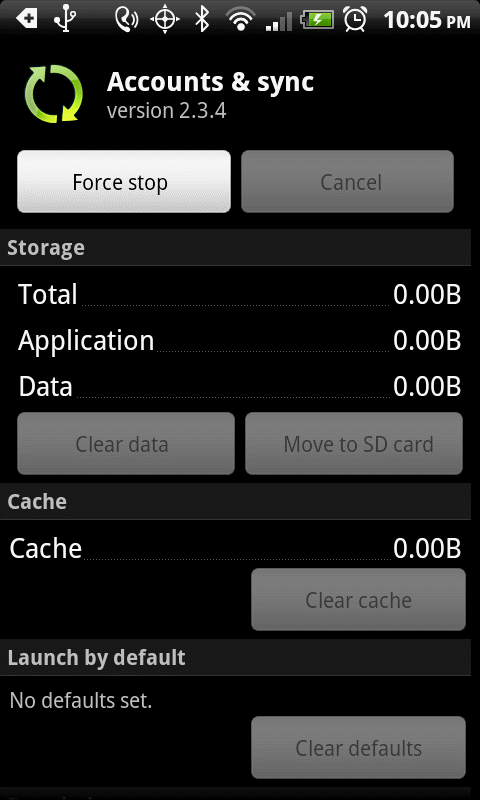
To check the status of the storage or clear the data/cache, please follow these steps:
1. Go to Settings.
2. Tap Applications.
3. Tap Manage applications.
4. Tap All, you will see the used storage and free storage under bottom.

5. To check which apps uses most storage, tap the menu and select Sort by size.

6. To clear the data or cache, tap the apps.