Bob Lin Photography services
Real Estate Photography services




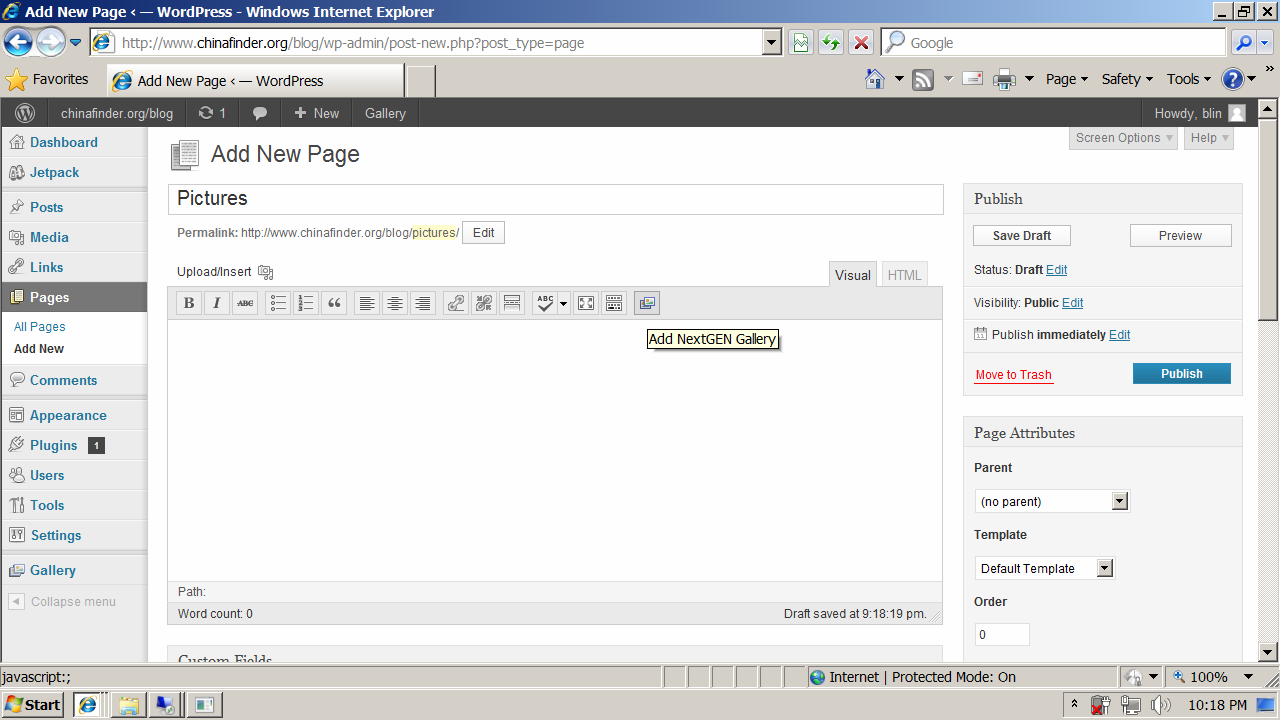
1. Login WordPress WP-Admin.
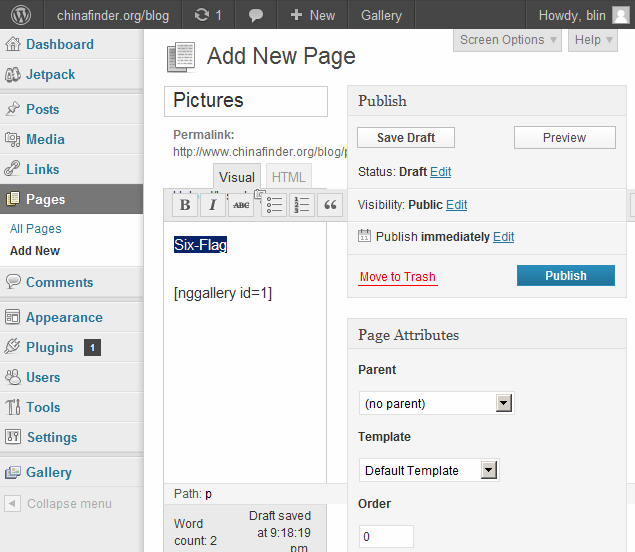
2. On the left, click Pages and then Add New.
3. Enter the new page name.
4. Click the Add NextGEN Gallery icon.
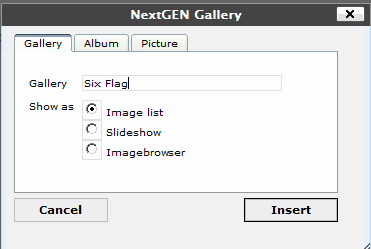
5. Type the gallery name and click Insert.
6. Click Publish to save the settings..