
Bob Lin Photography services
Real Estate Photography services




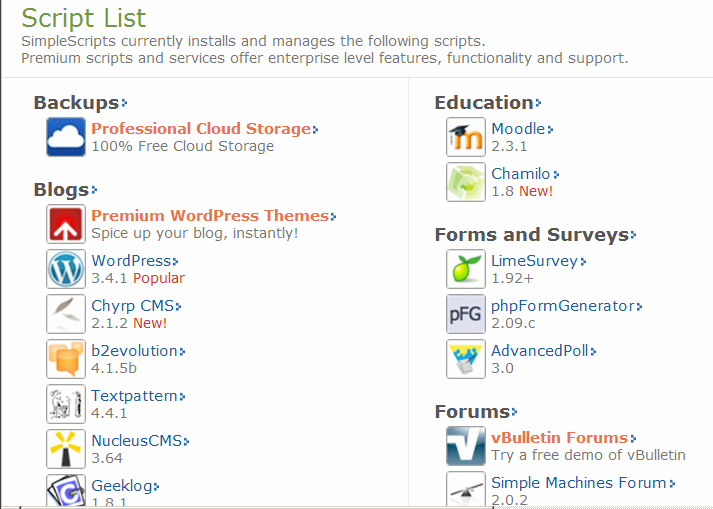
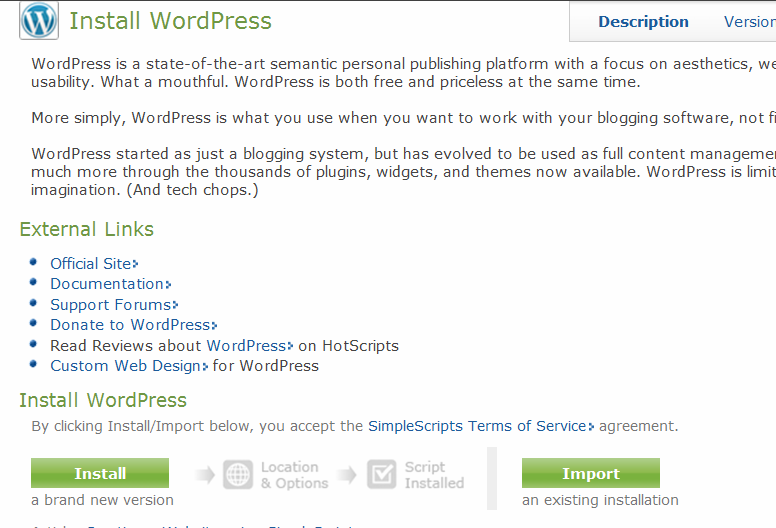
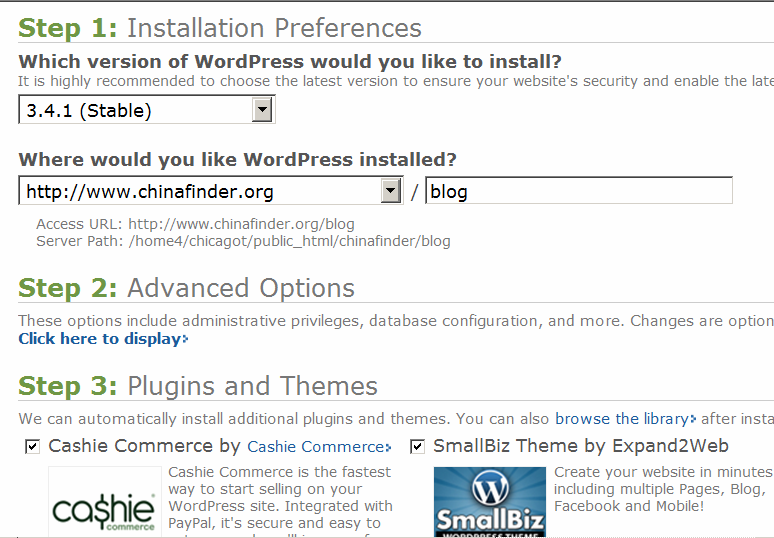
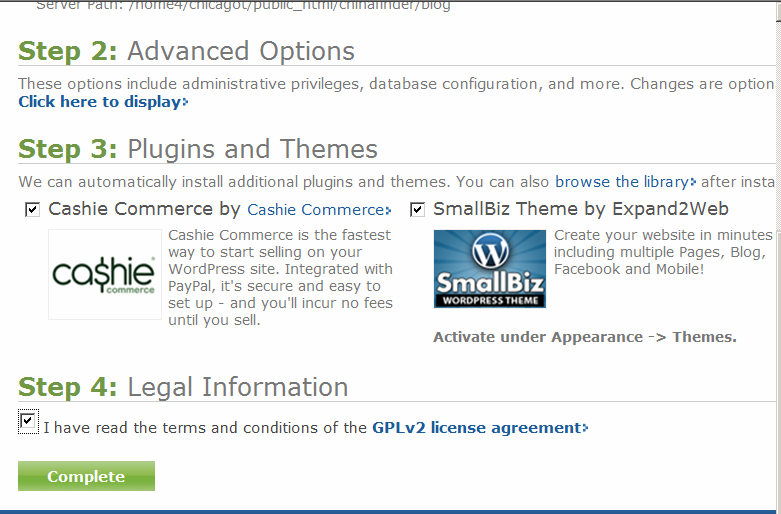
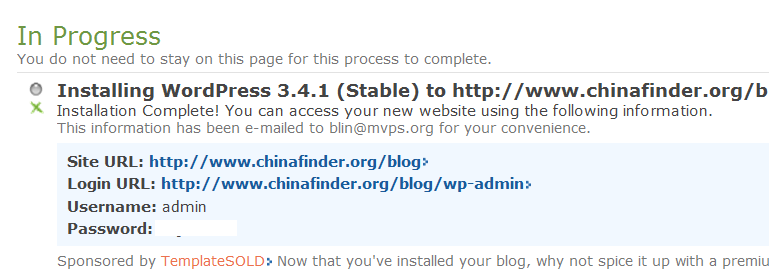
How to install WordPress - Step by step with screenshots
1. Login your website ePanel.
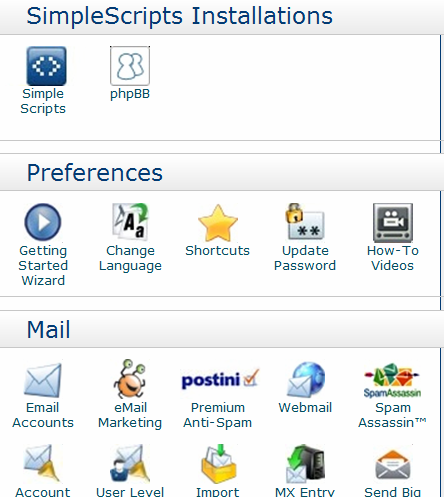
2. Click Simple Scripts under SimpleScripts Installations.
|
|
Bob Lin Photography services |
|
How to install WordPress - Step by step with screenshots 1. Login your website ePanel. 2. Click Simple Scripts under SimpleScripts Installations.
|
|
|
