Bob Lin Photography services
Real Estate Photography services




Whenever you have a problem to send email a user, we may want to use finger to check the status of the user.
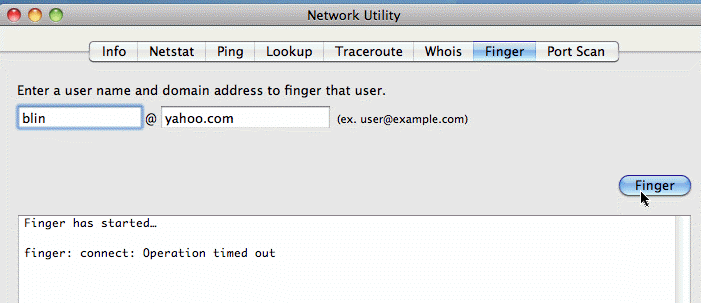
1. Open Network Utility by navigating to Applications>Utilities>Network Utility.
2. Click Finger.
3. Enter the email address and click Finger.