Bob Lin Photography services
Real Estate Photography services




Don't see Menu Bar or iPad devices in iTune - Step by step with Screenshots
How to Authorize a Computer in iTune- Step by step with Screenshots
How to check Account Information on iPhone or iPad
How to check Purchase History on iPhone or iPad
How to enable/disable iPhones, iPads and iPods from syncing automatically
How to enable/disable iTune audio control from remote speakers
How to get refund from Apple store
How to Reset Sync History in iTune
How to transfer Apps between iPad, iPhone and iPod
Problem to sync contacts or calendars to iPhone, iPad, or iPod touch
You cannot authorize more than 5 computers
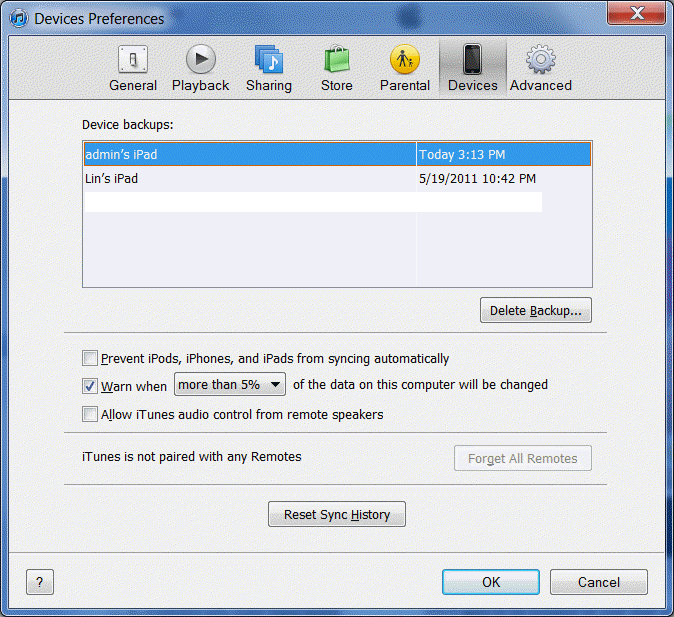
How to Reset Sync History in iTune
1) Run iTunes.
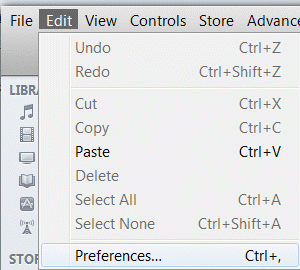
2) Choose Preferences from the Edit menu,
3) Click the Devices tab.
4) Click the Reset Sync History button.