
Bob Lin Photography services
Real Estate Photography services




1. In the Home, touch Settings.
2. In Settings, touch General and then Add VPN Configuration....
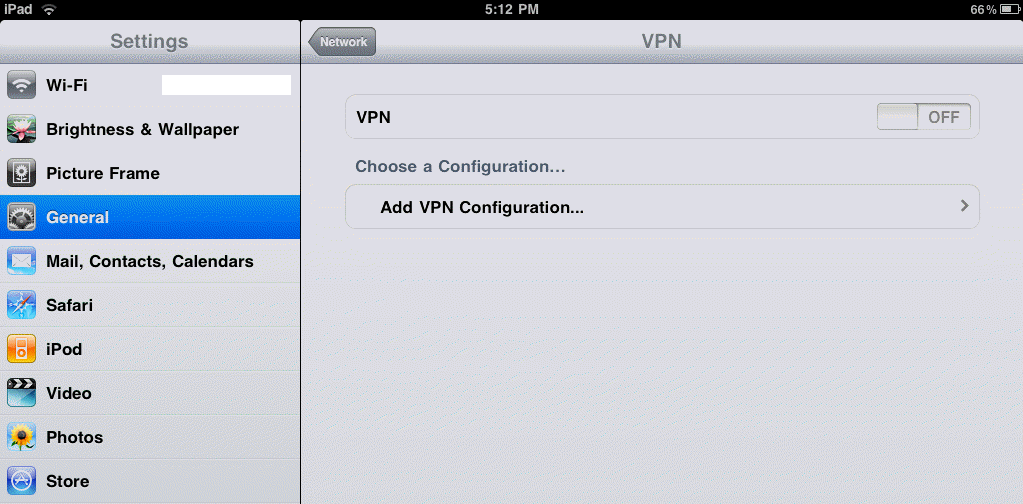
3. In The configuration page, select PPTP which is Windows VPN using. Then enter the VPN server name, network account, password..

4. Touch Save to Save the settings.
