
Bob Lin Photography services
Real Estate Photography services




Situation: After opening an email attachment, you can’t exit and can’t return to Email.
Resolution 1: Tap the top of the screen for seconds, a toolbar will appear, then click on Done. Note: you may try it a couple times to get it.
Resolution 2: Disable and re-enable Email by following these steps:.
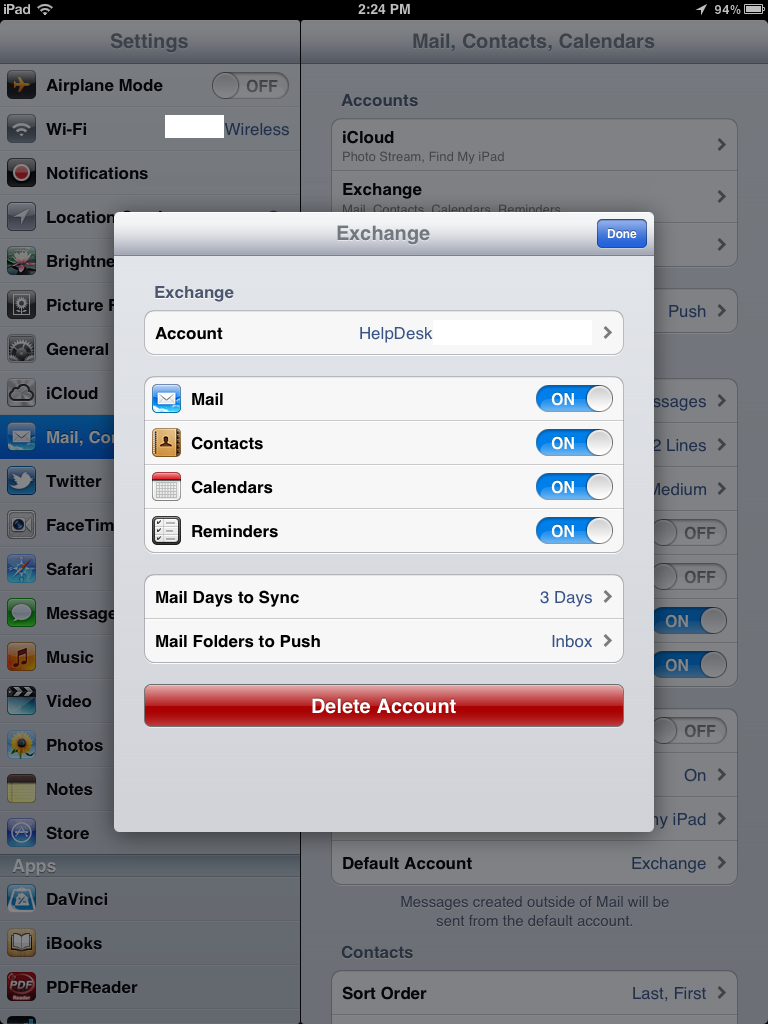
1. Tap Settings
2. Tap Mail, Contacts, Calendars.
3. Click on the mail account that’s stuck, for example Exchange.
4. Slide the ON/OFF slider to OFF.
5. Close.
6. Go back to Mail, Contacts, Calendars and turn on the account.
Resolution 3: Restart the iPad or iPhone.
