Bob Lin Photography services
Real Estate Photography services




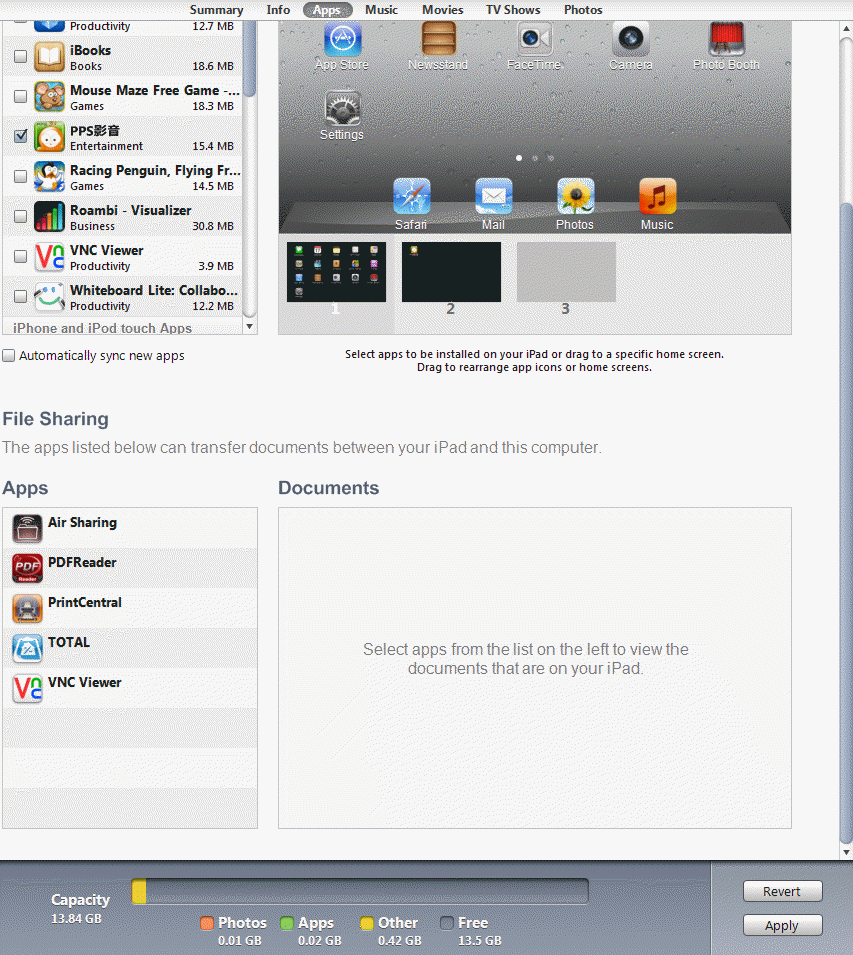
1. Connect iPad 1 to the iTune.
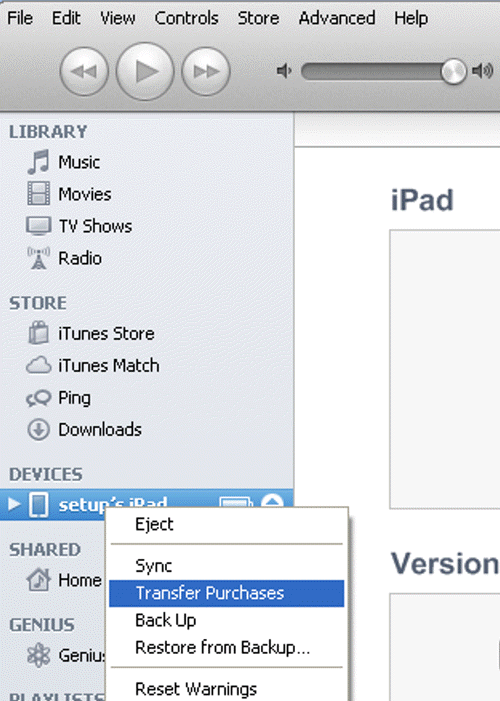
2. Right click on the Device and select Transfer Purchases. That will transfer all apps to the iTune.
3. Disconnect the iPad 1 and connect iPad 2 to the iTune.
4. When popup for Are you sure you want to sync apps. Click Sync Apps.
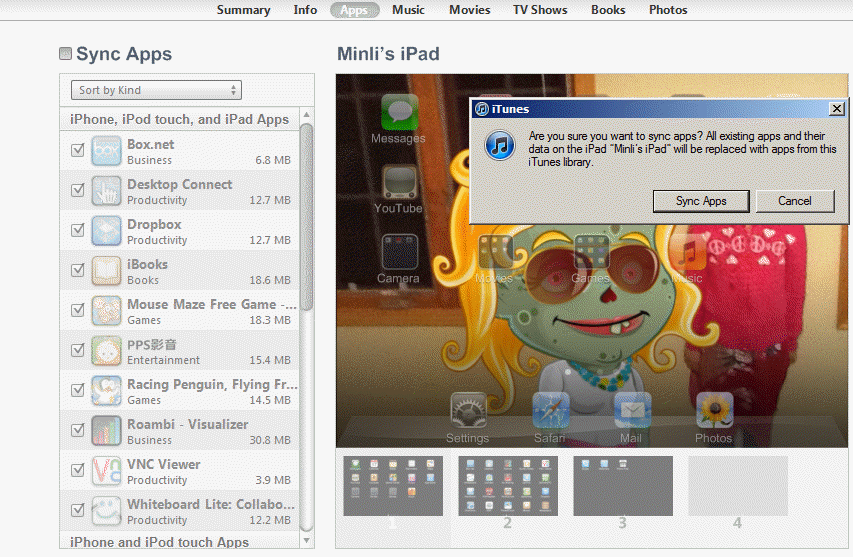
5. Select the apps you want to sync and then click Apply to start the sync.