QuickSetupGuide.Com 
Home  Forums   Net Issues  Net How To   MS-MPVS   Cisco How To   Wireless  Search  


Internet TV

SmartPhone

Tablets

Modem/Router
How to send photo via email in iPad

1. In the Home, touch Photo.
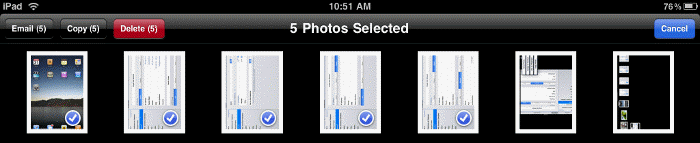
2. In Photo, select send icon. You will have options Email, Copy and Delete.
3. Touch the photo you want to send by email. Then select Emaill to send.
 

Your Ad Here

This web is provided "AS IS" with no warranties.
Copyright © 2002-2012 ChicagoTech.net, All rights reserved. Unauthorized reproduction forbidden.


