Bob Lin Photography services
Real Estate Photography services




1.In iPhone/iPad, tap Air Sharing.
2. Open a file or photo.
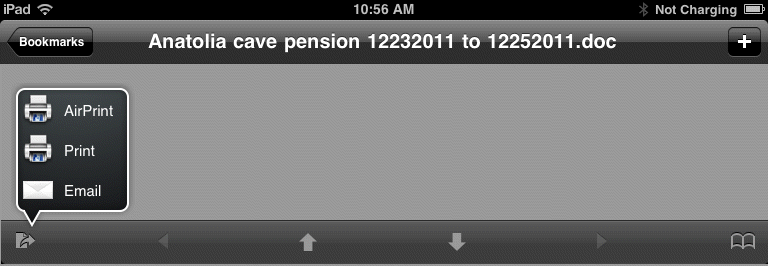
3. Tap the send icon in the left bottom. If the icon doesn't show up, tap the screen.
4. You will have Airprint, Print and Email options.